DID Pool & Fax Number Management
Direct Inward Dialing (DID) numbers allow external fax senders to route incoming documents directly to specific users, departmental teams, or network locations without manual operator intervention.
FaxCore Evolution eV6 features a centralized Global DID Pool and DID Number Management architecture that tracks telephone number inventory, allocates blocks to organizational domains, and binds numbers to users or shared distribution groups.
1. Global DID Pool Inventory
The Global DID Pool (Global Settings > DID Pool) serves as the master repository for all telephone numbers assigned to your organization by telecom providers or VoIP SIP trunk carriers.
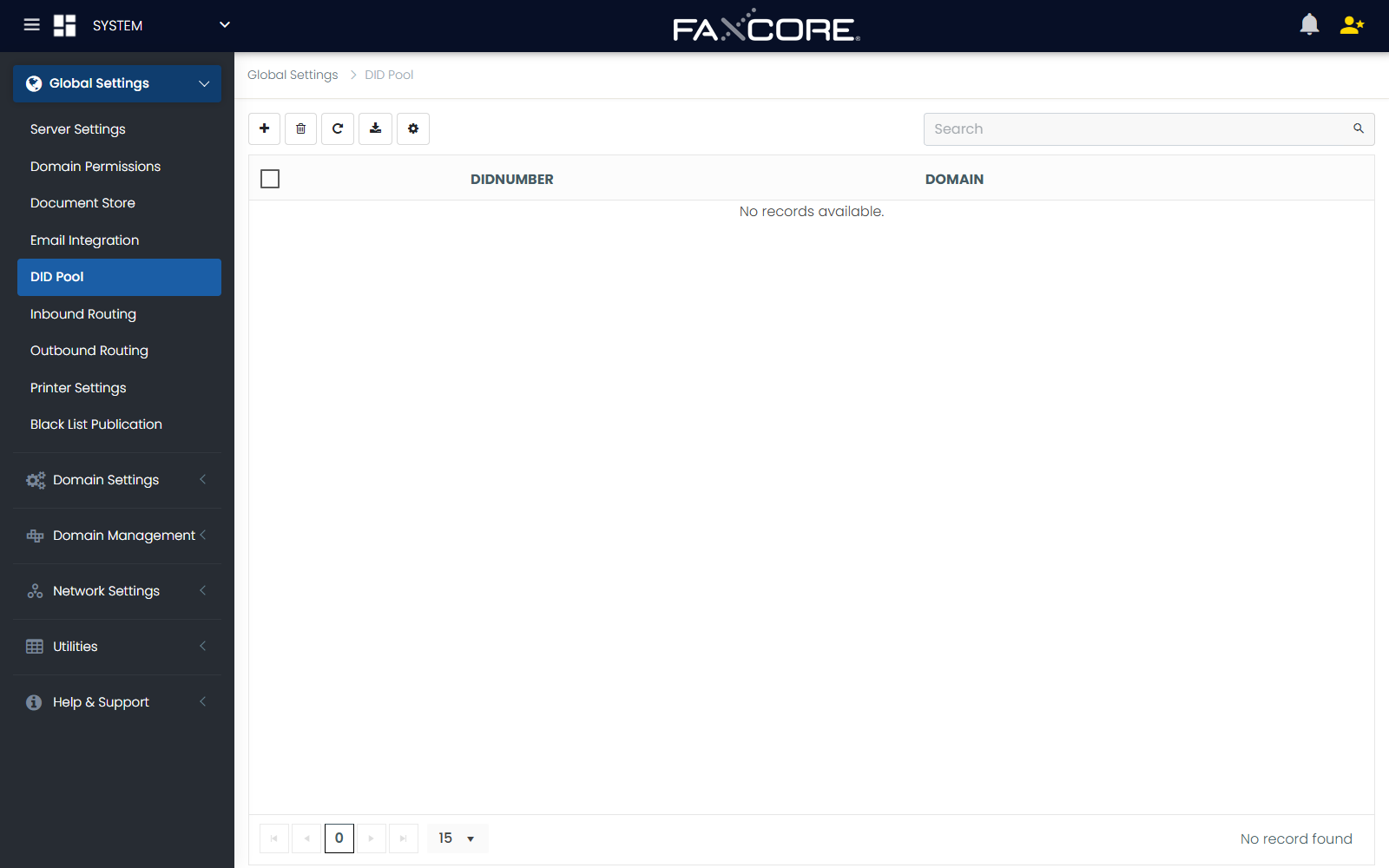
Importing DID Number Blocks
- Navigate to Global Settings > DID Pool.
- Select the target Domain to assign the numbers to (or leave at Root for unassigned inventory).
- Click Import.
- In the import dialog, paste the list of telephone numbers into the text box (one number per line).
Important
E.164 Number Formatting Requirement
Numbers must be entered in international E.164 format (e.g., +13038704141 or +442079460958) with leading country codes to prevent routing ambiguities across regional FaxAgents.
- Click Save And Close. The numbers are registered in the global inventory and become available for domain routing.
2. Managing DID Distribution Groups
When a single fax number must be received by an entire department or team (e.g., Accounts Payable, HR Onboarding, or Legal Dispatch), administrators can create a DID Group under Manage > Groups.
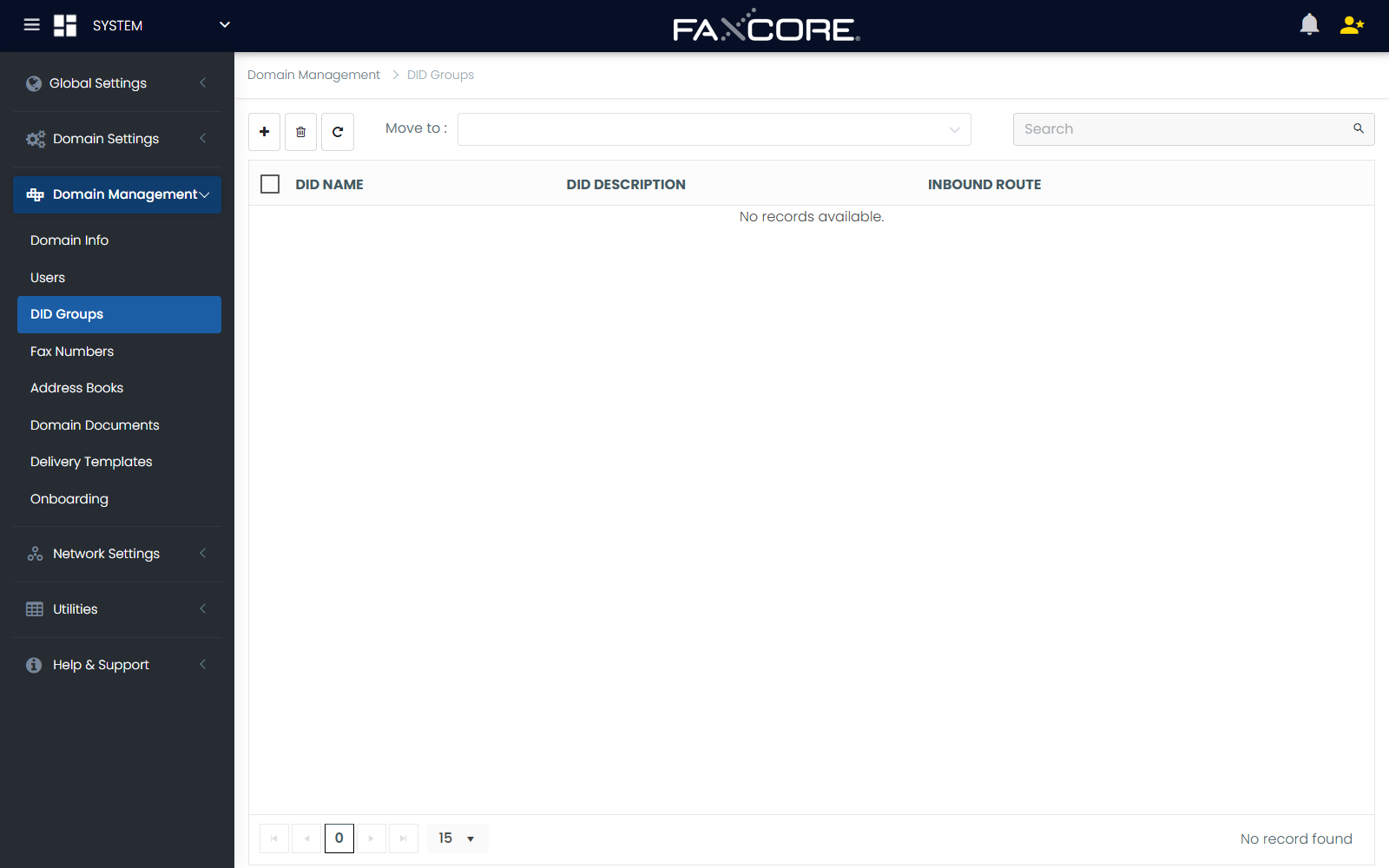
Creating a DID Group:
- In the Admin Panel, navigate to Manage > Groups.
- Click Create New Entry.
- Configure the group parameters:
- Domain: The organizational domain where the group resides.
- DID Route (Group Name): Descriptive team name (e.g.,
Finance-AP-Team). - DID Description: Functional purpose or physical office location.
- Users From: Filter user lists by specific domains or sub-domains.
- DID Route User(s): Select all user accounts that should receive copies of inbound faxes sent to this group.
- Click Save And Close.
When a fax arrives for the group's assigned number, FaxCore automatically delivers the document to all assigned members' inboxes simultaneously or processes assigned workflow rules.
3. Assigning Fax Numbers & Routing Targets
Once numbers are in the DID Pool, administrators bind each number to a specific routing target under Manage > Fax Numbers.
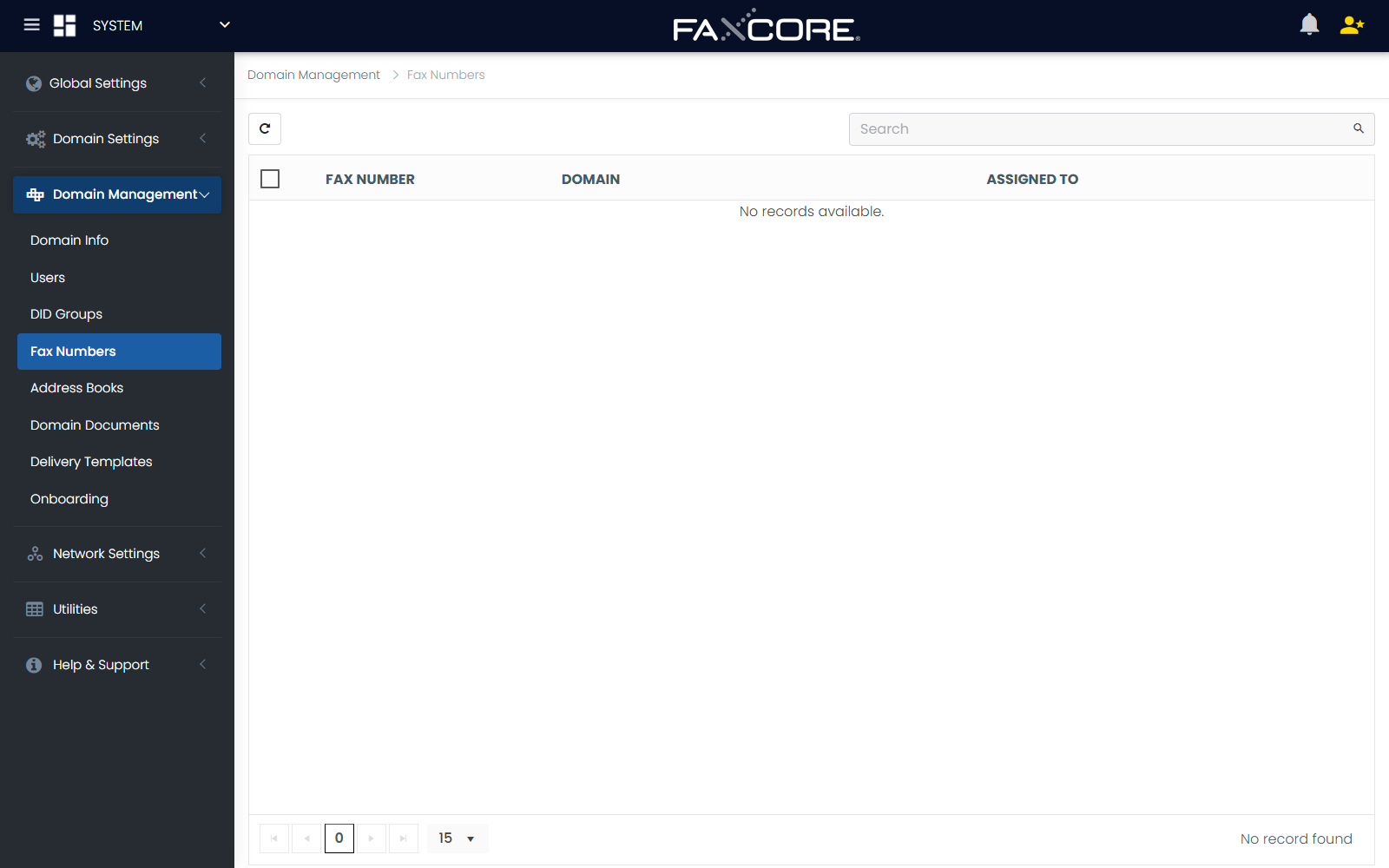
Routing Assignment Options:
| Routing Mode | Target Type | Operational Workflow |
|---|---|---|
| Route to Individual User | User Account | Inbound faxes route directly to the user's private Web Client inbox and trigger their personal email/PDF notification rules. |
| Route to DID Group | Departmental Group | Faxes are delivered to every member of the group, with support for shared read states and delegation. |
| Route to Inbound Gateway | Network Folder / API / Printer | Faxes pass directly to network file shares, OCR processing pipelines, or physical multi-function printers. |
| Unassigned / Pool Reserve | Standby Pool | Numbers remain in the inventory pool for future onboarding or temporary project provisioning. |
Assignment Procedure:
- Navigate to Manage > Fax Numbers.
- Select the target Fax Number from the grid.
- Choose the Route By option (User or Group).
- Select the specific Route To destination from the lookup dialog.
- Click Save. The routing association takes effect immediately across all active FaxAgents.