Outbound Routing Rules
Outbound Routing Rules determine which FaxAgent server, hardware board, or port group delivers an outgoing fax. At least one outbound routing rule must exist on the system for faxes to leave the server.
Note
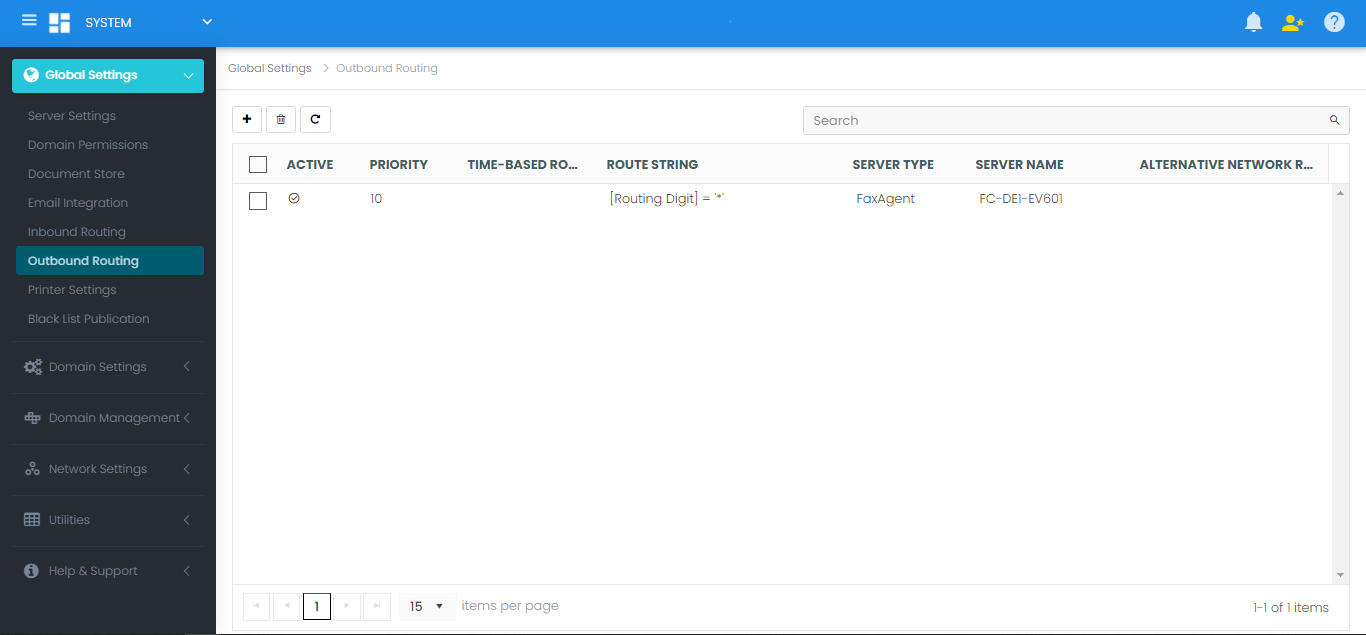
When a new FaxAgent is registered, FaxCore automatically generates a default wildcard rule (*) assigning all unmapped outbound traffic to that agent.
Configuring Outbound Routes
Navigate to Global Settings > Outbound Routing.
Creating a New Route
- Click the + (New) button to open the Outbound Routing Rule dialog:
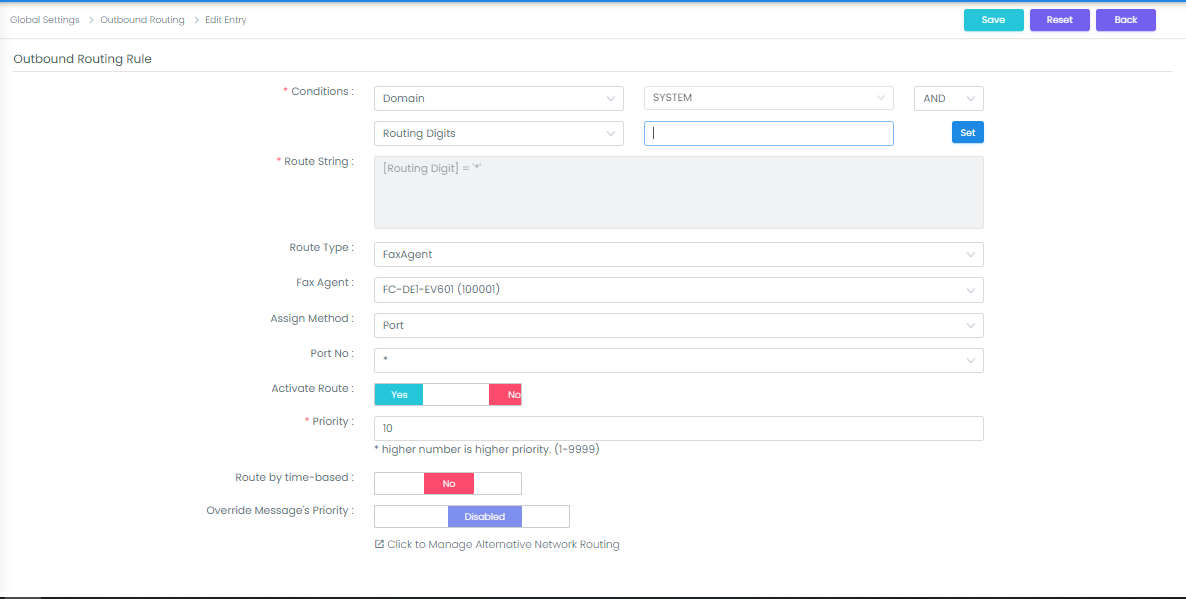
- Configure the route properties:
| Field | Configuration Details |
|---|---|
| Conditions | Define criteria using the left dropdown (Domain, Routing Digits, or User), relational operators (AND, OR), and target values. |
| Route Type | Select Fax Agent (telephony node). |
| Fax Agent | Select the registered FaxAgent server host. |
| Assign Method | Choose Port (to select an individual channel or * for any available port) or Port Group (to target a dedicated group). |
| Priority | Value from 1 to 9999. Higher numbers take precedence. When creating targeted rules, assign a priority higher than the default 100. |
| Activate Route | Set to Yes to make the route live. |
- Click Save to activate the rule.
Least Cost Routing (LCR) & Digit Matching
To implement Least Cost Routing, use the Routing Digits condition with wildcard syntax:
- Example: Routing Digits set to
1734* - Behavior: Any outbound fax sent to area code 734 is routed specifically to the FaxAgent associated with that local telephony trunk, reducing long-distance toll charges.
User & Domain Conditions
- Domain-Specific: Restricts a route to users residing within a specific domain or organizational branch.
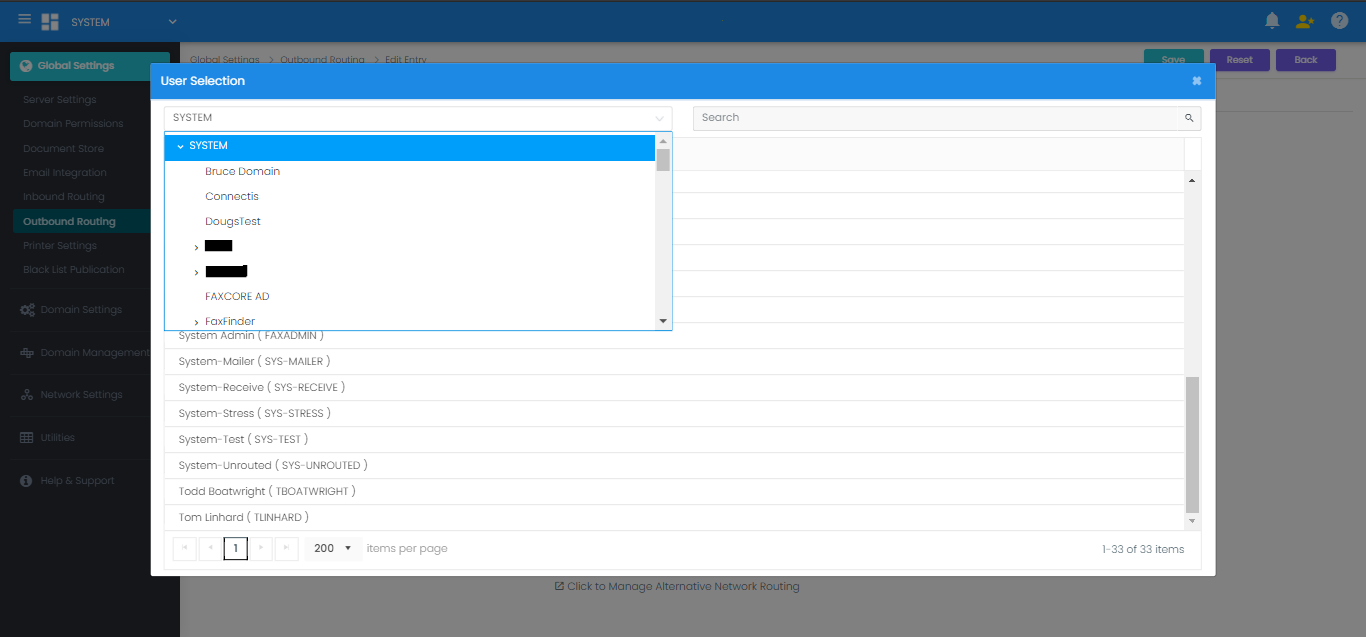
- User-Specific: Restricts a high-priority port or specific caller ID to an executive or critical automated service account. Click the right-hand box to browse and select the user: