Notification Templates & Cover Sheets
FaxCore Evolution eV6 provides a visual template management system for customizing fax transmission cover sheets, email delivery receipts, and automated notifications.
1. Notification & Cover Sheet Templates
Administrators can create centralized, branded templates under Manage > Templates.
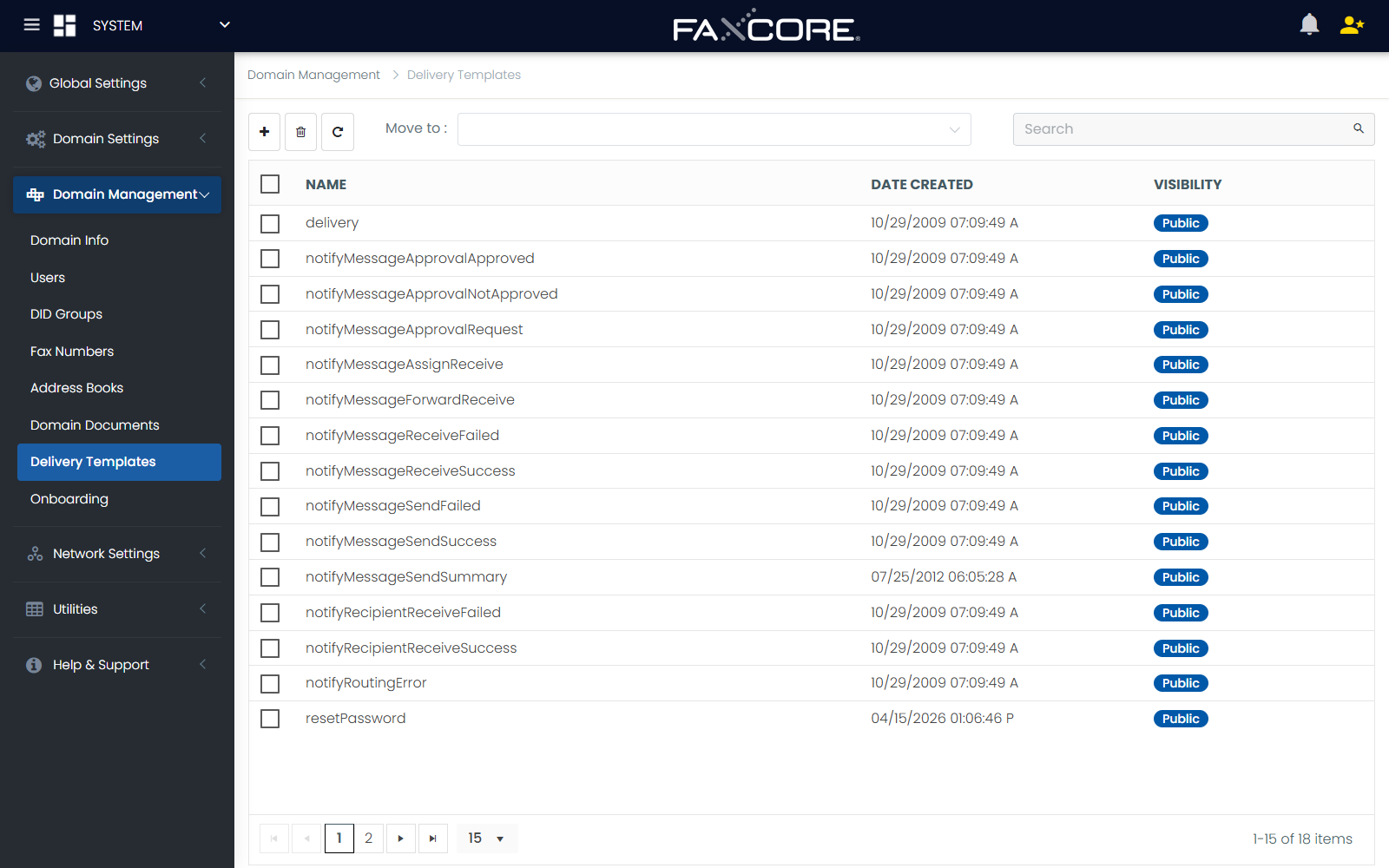
Template Properties
| Parameter | Configuration Scope | Description |
|---|---|---|
| Name | Text | Unique template identifier (e.g., Corporate-Executive-CoverPage or HIPAA-Dispatch-Receipt). |
| Domain | Dropdown | The organizational domain owning the template. Sub-domains can inherit templates from parent domains. |
| Description | Text | Administrative notes and usage instructions. |
| Visibility | Dropdown | Access control scope: • Public: Available to all users across all domains. • Domain: Restricted to users within the owning domain. • Private: Restricted to specific administrative accounts. |
| Template Type | Selector | Target output format (Cover Page, Transmission Success Receipt, Transmission Failure Alert, or Inbound Delivery Notification). |
2. Dynamic Token Insertion
Templates support dynamic metadata replacement through FaxCore's token engine. During transmission rendering, tokens are replaced in real time with transaction-specific data.
Inserting Tokens:
- In the template editor, position the cursor where the dynamic value should appear.
- Under the Create New Token panel on the right, select the Token Group:
- Message Tokens: Transmission ID, subject, page count, duration, CSID, timestamp.
- User Tokens: Sender name, email, department, company, phone number.
- Recipient Tokens: Destination number, recipient contact name, company.
- Utility Tokens: Current date/time, server FQDN, tracking codes.
- Select the desired token from the list and click Insert.
For a complete dictionary of all supported tokens, refer to the Message Tokens Reference, User Tokens Reference, and Config Tokens Reference.
3. Shared Domain Documents & Storage Folders
Organizations can upload standard company documents (e.g., standard billing forms, return labels, compliance notices) to centralized folders under Manage > Folders.
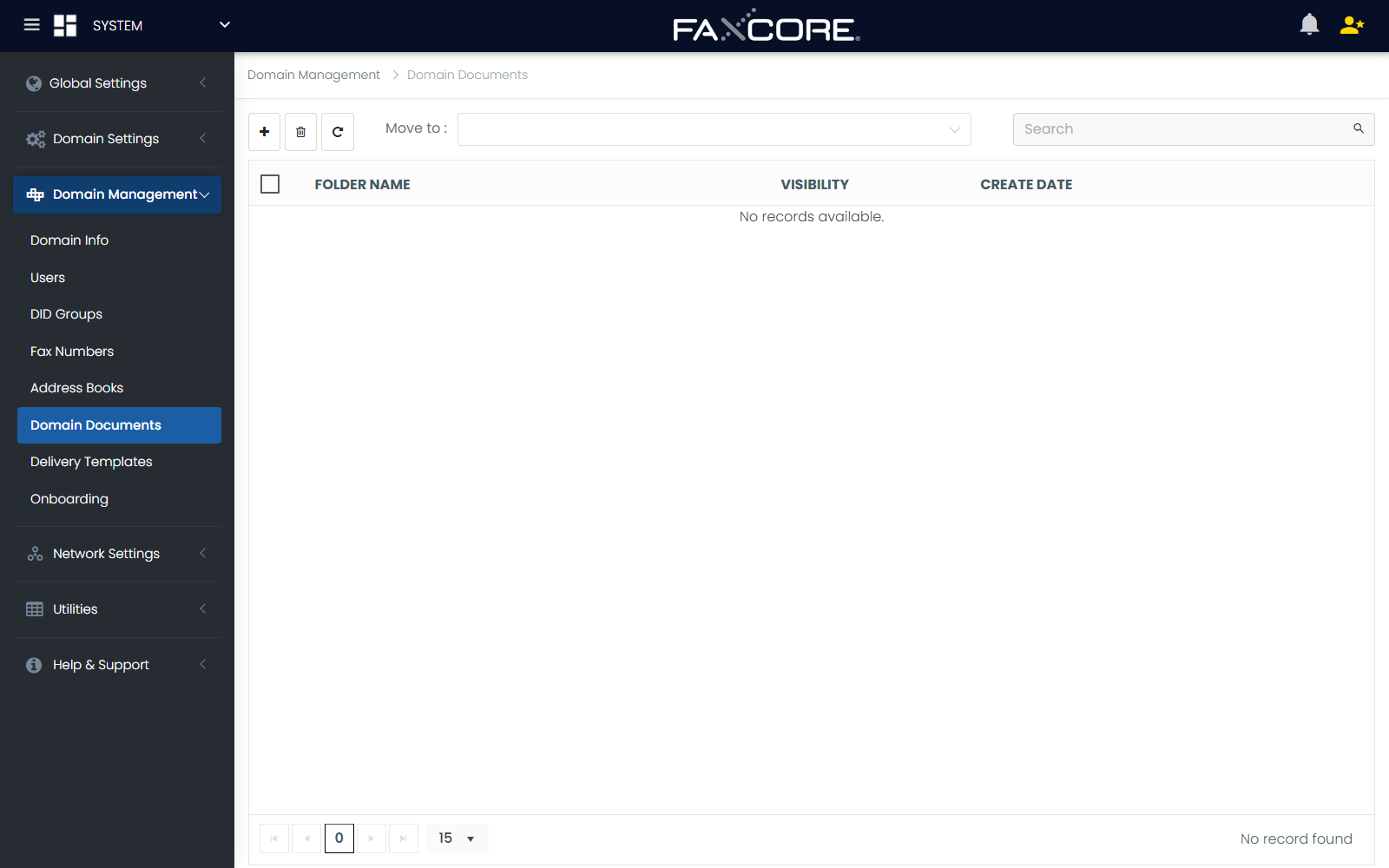
- Document Folders: Partition documents by department or confidentiality tier.
- Web Client Access: Users can select pre-uploaded documents directly from their Web Client when composing outgoing faxes without re-uploading files from local desktop storage.