Initial Steps After Installation
Once the FaxCore Evolution eV6 server installation wizard finishes successfully, complete the initial administrative login and foundational system configuration.
1. Initial Administrator Login
Open a modern web browser on your administrative workstation or the server desktop.
Navigate to the administrator URL:
http://<fax-server-name>/admin(Replace
<fax-server-name>with the IP address or fully qualified domain name of the FaxCore Web server).The FaxCore login screen will appear:
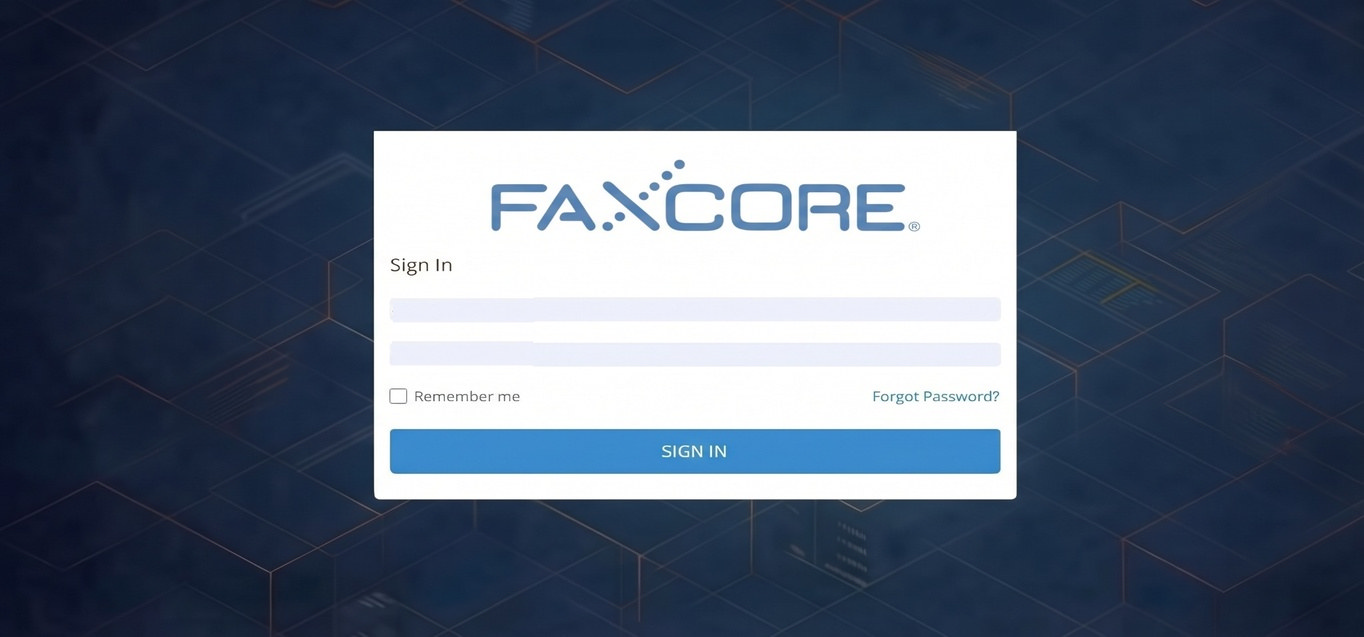
Enter the initial default administrative credentials:
- Login:
admin - Password:
password
- Login:
Click Sign In.
Warning
Change Default Administrator Password Immediately For enterprise security, change the default password immediately after initial login. Refer to User Management to update administrative credentials.
2. Foundational Setup Checklist
Before end users can send and receive faxes, you must configure the following core components in order:

| Step | Action | Reference Guide |
|---|---|---|
| 1 | Create Organizational Domains (Optional) Partition users, billing codes, and routing rules by department or tenant. |
FaxCore Domains |
| 2 | Provision User Accounts Create accounts manually, synchronize with Active Directory, or import via CSV. |
User Management Active Directory Sync |
| 3 | Configure Fax Ports & Board Channels Assign send/receive direction, CSID identifiers, and audio greetings. |
Fax Port Configuration |
| 4 | Create Inbound Routing Rules Route incoming documents to user inboxes, network folders, or printers based on DID or CSID. |
Inbound Routing |